Every Endoscope App Is a Subscription Trap, So I Built My Own With an AI Agent
This is an adapted English version. Original (Russian): automata.sale/blog/ai-automation/svoe-prilozhenie-dlya-endoskopa/
I bought the endoscope for pocket change: a camera on a flexible probe, USB plug, works with any phone. The hardware is fine. The software is a disgrace. Every app I opened wanted either my money, my attention or my patience — and I got tired of it long before I got a working picture. So I did what I do for a living: I sat an AI agent next to me and we built the app the stores refuse to sell.
Every app I tried was a trap
The pattern is always the same. Free download, then an ad every ten seconds. A subscription to save photos. A thirty-second recording limit that resets if you buy “Pro”. A watermark burned into the frame. One app managed to combine all four. The hardware costs less than a sandwich, and the software rents it back to you monthly. An inspection tool should not be a showcase for ad networks.
What I asked the AI agent to build
The spec fit in one paragraph: live preview from a USB endoscope, photos, video recording with no time limit, resolution picker, no ads, no tracking, no internet access at all. The agent (ZCode with a GLM model) picked the stack, found a maintained open-source UVC library, wrote the whole thing in Java and handed me an installable APK the same evening. The result, EndoscopeCam, is one and a half megabytes and does exactly this:
- full-screen live preview with correct aspect ratio;
- photos to
Pictures/Endoscope, MP4 video (H.264) toMovies/Endoscope, no time limits; - resolution picker fed by the camera itself (VGA up to 1080p on my unit);
- automatic YUYV/MJPEG format selection, which is what makes cheap endoscopes work at all;
- auto-launch when the endoscope is plugged in;
- zero ads, zero analytics, and the app does not even hold the INTERNET permission, so it physically cannot phone home.
One evening to build, a week to learn why it went silent
That is the honest part, and the part worth reading. The first build opened the camera on the bench device but died quietly on my Xiaomi (HyperOS 3, Android 16): the app ran, the endoscope was detected, and the access dialog never appeared. No error, no crash — just a toast about denied access.
We chased red herrings for days: MIUI’s pop-up window permissions, “display over other apps”, cold reboots. adb logcat showed the truth: the system answered the permission request in twenty-three milliseconds, before any dialog could possibly show.
15:42:52.858 requestPermission: sent, waiting for system dialog
15:42:52.866 permission broadcast: granted=false dtMs=23
Twenty-three milliseconds is not a human rejecting anything. That is code. Reading the Android source settled it: since Android 13, any USB device capable of video is treated as a camera, and if your app does not hold the CAMERA runtime permission, the system denies USB access immediately and silently. The comment in AOSP says it verbatim: “If the app doesn’t have camera permission do not request permission to the USB device.”
One permission declaration and one request dialog later, everything worked. The lesson I keep relearning: the AI writes working code faster than real hardware tells you the truth. The code was done in an evening; the device-specific truth took a week of joint debugging, logs and source-diving. Neither the agent nor I would have cracked it alone at that speed.
Install it yourself
Requirements: Android 7.0 or newer, a phone with USB OTG, and any UVC endoscope — that covers practically every cheap probe camera sold online.
- Download the APK: automata.sale/files/EndoscopeCam-1.5.apk — about 1.5 MB.
- Open it and allow installing from unknown sources.
- Plug the endoscope in (OTG adapter or straight into USB-C).
- The app launches, asks for camera access and then USB access — allow both. The camera request is Android’s rule for USB video devices, not surveillance; the app has no internet permission to leak anything through.
- The picture appears by itself. Shutter for photos, red button for video.
If the picture stays black, open the gear icon and pick a different resolution — cheap sensors often lie about their modes. If nothing is detected, the OTG cable is the usual suspect.
Under the hood
Plain Java, no frameworks. UVC plumbing via the maintained org.uvccamera library (Apache 2.0, prebuilt natives), photos through a hand-written NV21 converter, video through MediaCodec H.264 into MediaMuxer, saves through MediaStore. No analytics SDKs exist in the binary because there is nothing for them to talk to.
What is next
A Google Play release is planned — the store listing is the only reason it is not there yet. I will publish the source too once the code is worth reading after all the debugging scars. If you end up using it with your own probe, tell me what worked and what did not; the resolution database could use real-world data.
Phone: +7 (906) 311-77-69, email: hello@automata.sale, Telegram: @automatasale, site: automata.sale
Evgeny Uryadov, sole proprietor (INN 645112058391, OGRNIP 312645301900058). Working across Russia, Belarus and Kazakhstan.
Frequently asked questions
Why do endoscope apps ask for camera permission?
Since Android 13, any USB device that can capture video counts as a camera. Without the CAMERA runtime permission the system silently denies USB access — no dialog, no explanation. That is why every honest endoscope app asks for it.
What endoscopes does it work with?
Any UVC-compliant USB camera, which covers almost every cheap endoscope sold online, connected through an OTG adapter or a USB-C port. It was tested on a Realtek-based 2 MP "HD Camera".
Does the app need internet?
No. The app does not even hold the INTERNET permission, so it physically cannot send anything anywhere. Photos are saved to Pictures/Endoscope, videos to Movies/Endoscope.
Is there a recording time limit?
No. Video is encoded to MP4 (H.264) on the device for as long as you keep recording. No watermarks, no trial, no subscription.
Why is it free?
It is a personal tool I built for myself and decided to share. A Google Play release is planned; for now you can download the APK directly.
Read next
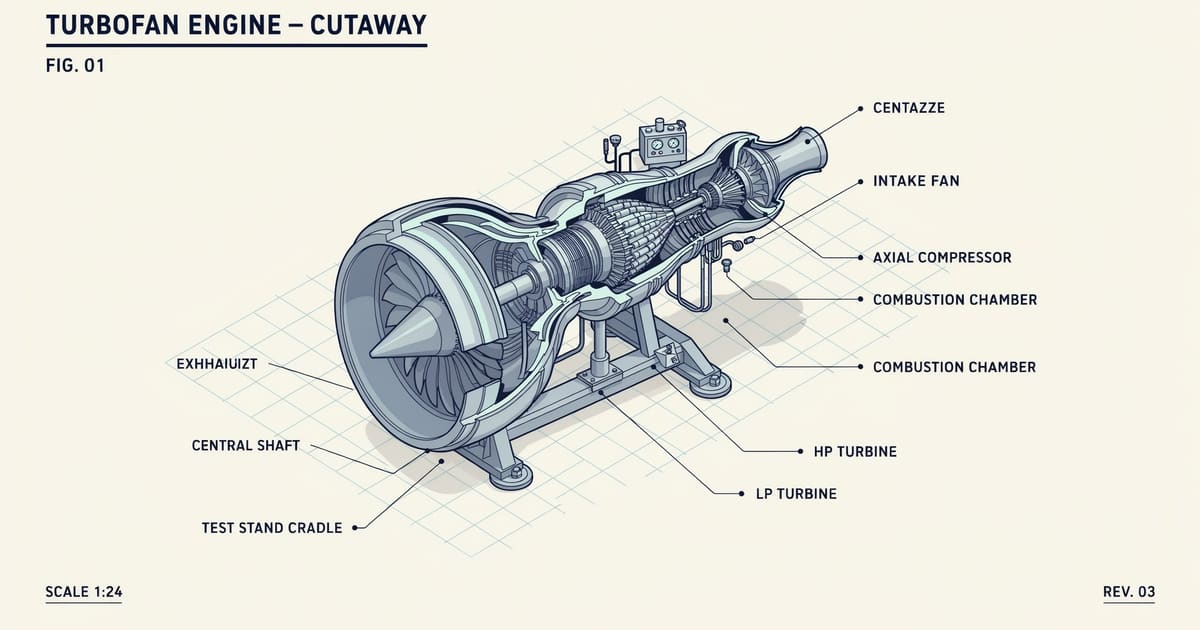
Anatomy: the open-source skill that teaches AI agents to draw machines
The anatomy skill (12.4k stars) turns AI agents into technical illustrators: isometric SVG machines with live physics. Our turbofan test case runs inside this post.
20 AI Tools From One Curator: A Practitioner's Review of the Applied AI List
Matt Penny's Applied AI list collects 20 AI tools. We tested all of them — and 4 already run our production pipeline.

Skills in ZCode: Turning Working Rituals into Commands Your AI Agent Follows
How skills work in ZCode: invoke with /commands or plain language, install third-party sets safely, write your own. A practical guide from my agency's pipeline.